Labels & scanners · Updated 2026-11-21
Best Food Label Scanner Apps (2026-2027)
Six barcode scanners, ranked on what they actually read off a label and how honestly they score it. Yuka leads on database size and independence; Open Food Facts is the best free alternative, and Fig is the one to trust with allergies.
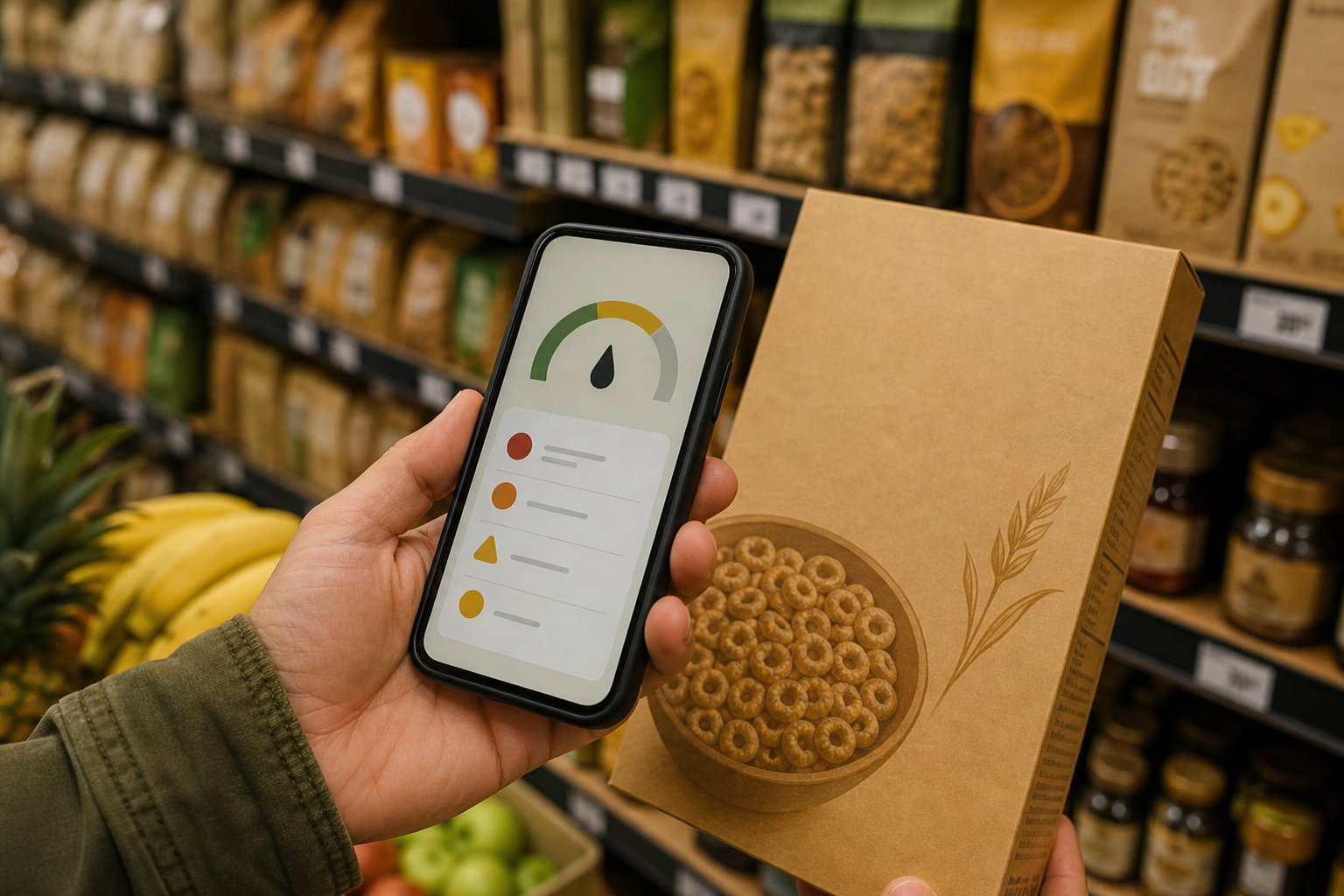
A label scanner is only as good as its database and the rules it uses to turn an ingredient list into a verdict. We compared six apps on how many foods they cover, what they score (nutrition, additives, processing, allergens), whether the method is published, what sits behind a paywall and how often they're updated. Yuka is first because it pairs a database of 4 million foods with a three-part score you can trace and no advertising. Open Food Facts wins on openness and Fig wins on allergies, and both facts are in the table.
Yuka9.1/10
Best for: most shoppers who want a quick, traceable verdict at the shelf
Yuka scores food on three criteria (nutritional quality, additives and whether the product is organic) and suggests a better-rated alternative when a product scores badly. Its database holds 4 million foods, it runs no ads, and it says no brand can influence a rating. Scanning is free. Premium adds search, offline mode and alerts for preferences such as gluten or palm oil, at $10, $15 or $20 a year; you choose the price and get the same features.
What works
- 4 million foods in the database
- No ads and no brand money in the scores
- Premium is $10–$20 a year at a price you choose, with the same features at every level
What doesn’t
- Organic status counts toward the score, which can flatter an organic product with a weak nutrition panel
- Search, offline mode and preference alerts need Premium
Price: Free; Premium $10–$20/yr Platforms: iOS, Android Developer site
Open Food Facts8.7/10
Best for: shoppers who want open data and a measure of processing, not just a grade
Open Food Facts is a nonprofit, crowd-sourced database that shows the Nutri-Score (A to E), the NOVA processing group (1 to 4) and the Eco-Score side by side. You can set personal criteria for salt, allergens, additives and ultra-processed foods. It's free and ad-free. Because users contribute the data, some products come back gray, meaning the label still needs to be photographed and added.
What works
- Nutri-Score, NOVA processing group and Eco-Score side by side
- Free, ad-free and run as a nonprofit open database
- Personal filters for salt, allergens and additives
What doesn’t
- Crowd-sourced entries can be incomplete; a gray result means missing data
- Asks more of you, because it collects data as well as showing it
Price: Free Platforms: iOS, Android, Web Developer site
Fig8.3/10
Best for: people managing allergies, intolerances or a medical diet
Fig checks a product's ingredients against your profile and says whether it fits. It covers more than 2,800 dietary restrictions and allergens, including hard ones like low-FODMAP, low-histamine and alpha-gal. It answers whether a product fits your diet, not whether it's healthy, so it's a different job from Yuka's. The core app is free; Fig+ is sold in several in-app tiers.
What works
- Matches labels against 2,800+ diets and allergens
- Handles difficult restrictions such as low-FODMAP and alpha-gal
- Updated frequently through 2026
What doesn’t
- Fig+ runs $5.99–$7.49 a month or $34.99–$69.99 a year in the listed tiers
- Gives a fit-or-not answer, not a health score, so check sodium and sugar yourself
Price: Free; Fig+ from $5.99/mo or $34.99/yr Platforms: iOS, Android Developer site
EWG's Healthy Living7.6/10
Best for: households that want one scanner for food, personal care and cleaners
EWG's Healthy Living combines the Environmental Working Group's Food Scores database with its Skin Deep and cleaning-product guides. Products get a score from 1 to 10, with 1 the best, across more than 200,000 rated products. Scanning is free; a $19.99 Premium upgrade adds side-by-side comparison and flags for the ingredients you want to avoid. Its food coverage is far smaller than Yuka's or Open Food Facts'.
What works
- One scanner for food, personal care and cleaners
- Nonprofit research behind a simple 1–10 score
- Free scanning; Premium is $19.99
What doesn’t
- About 200,000 rated products across all categories, against millions of foods in Yuka and Open Food Facts
- Comparisons and ingredient flags sit behind Premium
Price: Free; Premium $19.99 Platforms: iOS, Android Developer site
Fooducate6.9/10
Best for: people who want label grades and a food diary in the same app
Fooducate has graded foods since 2010 and now pairs its scanner with a full nutrition tracker. You can tell it to flag ingredients such as MSG and high-fructose corn syrup. Its pricing is confusing: the App Store lists ten different Pro purchases, from $1.99 to $89.99, so you won't know what you'll pay until the payment screen.
What works
- Grades explain why a product scored the way it did
- Can flag ingredients such as MSG and high-fructose corn syrup
- Built-in tracker for people who also log meals
What doesn’t
- Ten different Pro prices in the App Store, from $1.99 to $89.99
- The scanner now shares the app with a diet tracker
Price: Free; Pro tiers $1.99–$89.99 in-app Platforms: iOS, Android Developer site
Bobby Approved6.5/10
Best for: shoppers who want a free pass-or-fail check on ingredients
Bobby Approved is free and lists no in-app purchases. Scan a barcode and it marks any problem ingredients in red, with an explanation of each. Its verdicts come from food creator Bobby Parrish's list of more than 100 ingredients he considers harmful, not from a published scoring method, and because it screens ingredients, the nutrition panel is left to you.
What works
- Completely free, with no in-app purchases listed
- Marks each problem ingredient in red and explains why
- Shopping lists organized by store
What doesn’t
- Verdicts rest on one creator's list of 100+ ingredients, not a published method
- Screens ingredients rather than the nutrition panel, so check sodium and sugar yourself
Price: Free Platforms: iOS, Android Developer site
The short version
For most shoppers Yuka is the pick: free scanning, a large database and a score you can trace, with Premium at whatever you choose to pay between $10 and $20 a year. Choose Open Food Facts if you want open data and the NOVA processing grade, and Fig if allergies or a medical diet decide what goes in the cart. Bobby Approved costs nothing, but it applies one creator's ingredient list, not a scoring method.
Questions we get
Which food scanner app is most accurate?
No scanner is more accurate than its database. Yuka and Open Food Facts have the largest food coverage, and both show how their scores are built. When an app returns no data or a gray result, read the label.
Is Yuka free?
Scanning is free. Premium adds search, offline mode and preference alerts such as gluten or palm oil, at $10, $15 or $20 a year. You pick the price, and every level gets the same features.
Which app is best for food allergies?
Fig. It checks ingredients against more than 2,800 restrictions and allergens, including low-FODMAP and alpha-gal. With a severe allergy, still read the physical label, because recipes change faster than databases.
Do label scanner apps check sodium?
The score-based ones do. Yuka builds nutrition into its rating, and Open Food Facts lets you set salt as a personal criterion. Ingredient screeners such as Fig and Bobby Approved judge the ingredient list, so check the sodium line yourself.
Are these apps paid by brands?
Yuka says no brand can influence its ratings, and it runs no in-app ads. Open Food Facts and EWG are nonprofits. If independence matters to you, read each app's page on how it makes money.
Scores follow the Canyon rubric. Prices were checked on the date above; app pricing changes often. Written by Ron Delacruz.